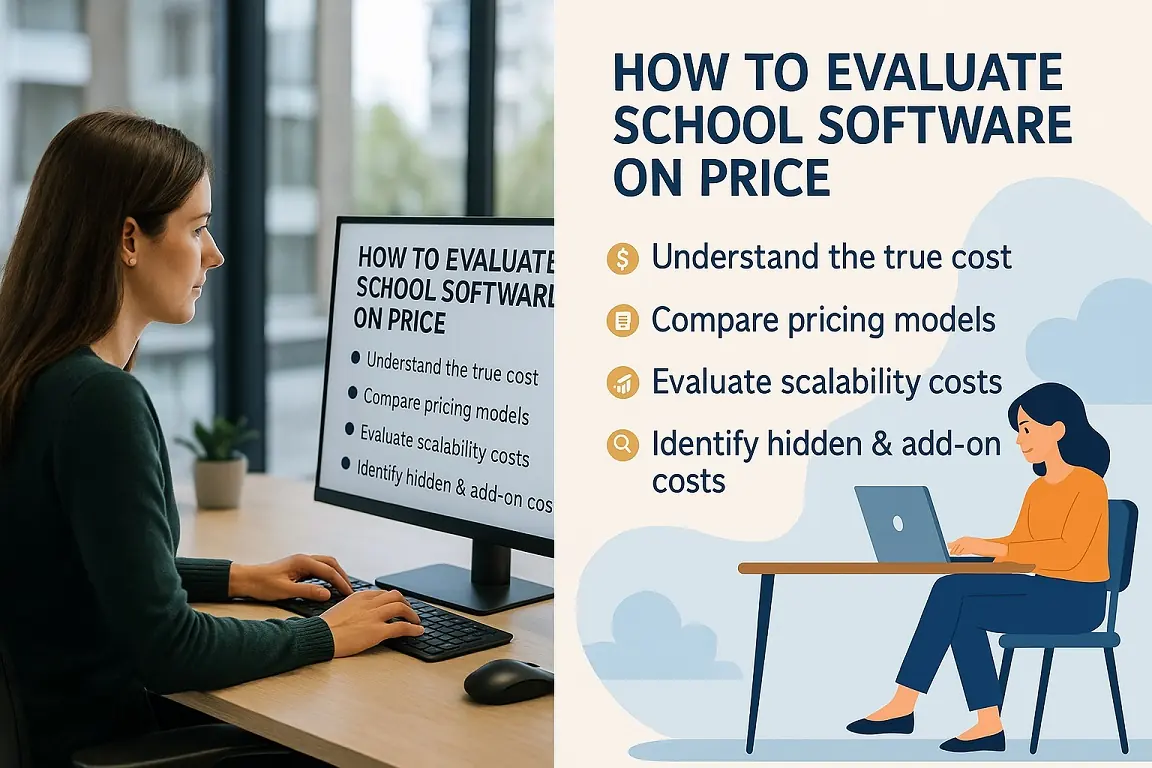
How to evaluate school software on price: a practical guide for schools
Per-student plans, annual subscriptions or a lifetime licence? Seven checks that reveal the true cost of a school ERP before you sign.

Fee collection is where most schools start with SchoolAdminCE. The cashier finds the student, sees exactly what is due, takes the payment in any mode and hands over a printed receipt, and the parent gets a message.
Every rupee collected at the counter is receipted, totalled and visible the same day.
Class-wise fee structures, concessions, instalments and dues. The student’s photo shows on the payment screen so the cashier knows who is paying.
See who owes what, by class or by student, and send reminders for the balance.
Customise fee receipts with your school’s name and header, even one design for the school and another for the society. Each receipt shows the exact dues remaining.
Receipts and the payment screen can carry your UPI QR code, so parents pay by scanning.
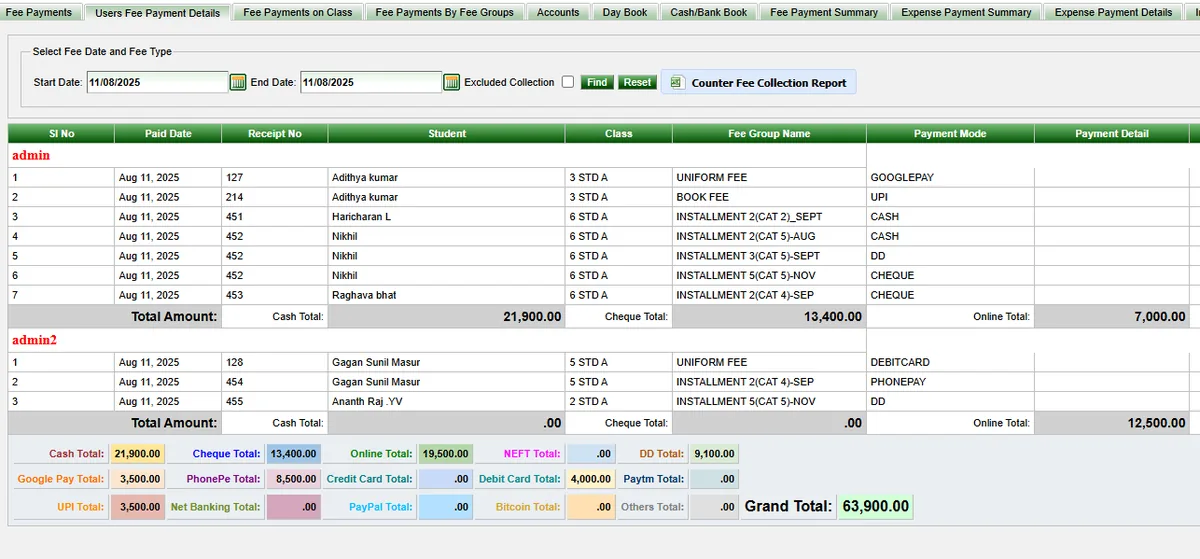
Cash, cheque, DD, NEFT, UPI, Google Pay, PhonePe, Paytm, credit and debit card, net banking and more, each colour-coded and totalled separately.
See what each login collected, broken down by payment mode, with a grand total across all cashiers.
Number receipts by fee group or by academic year, whichever your auditor prefers.
Collect transport and monthly fees for the months you choose, and switch a student’s transport on or off at any time.
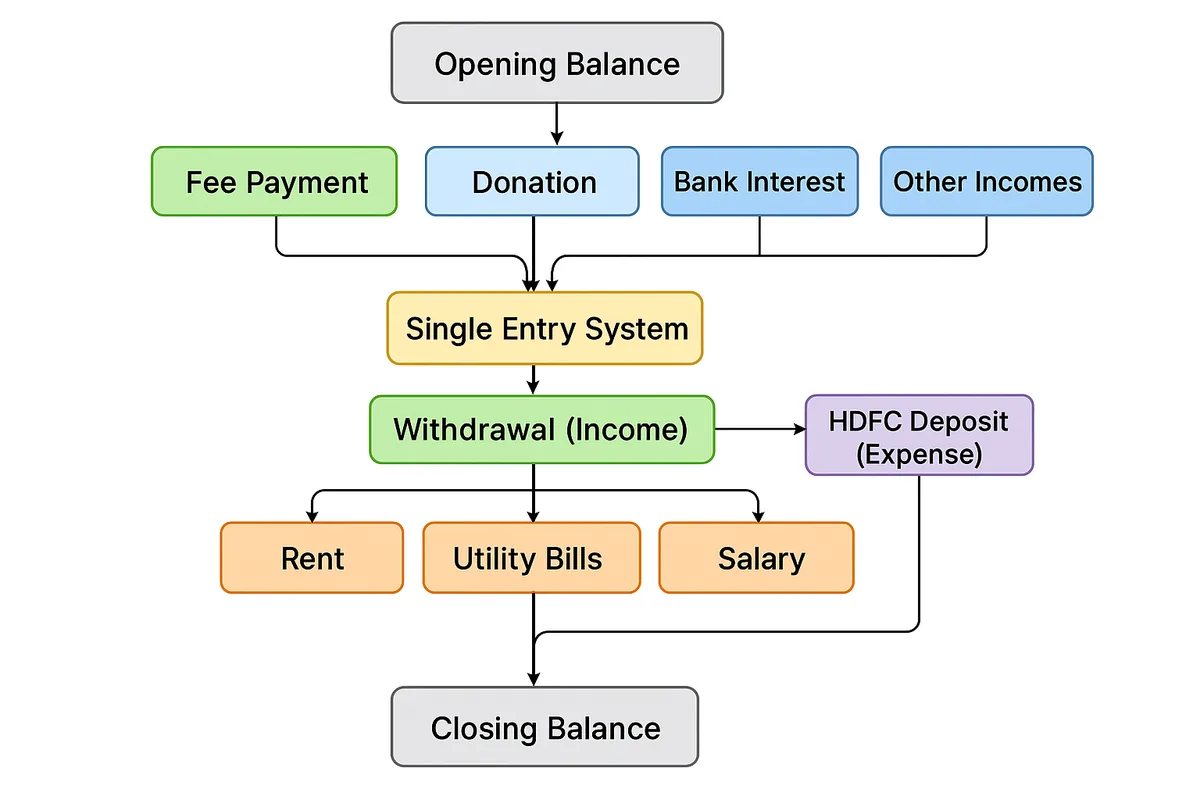
A single-entry cash book that posts fee income automatically, records other income and expenses, handles bank deposits and withdrawals, and carries opening and closing balances across years.
Record rent, salaries, utilities and other payments as cash-out entries, print payment vouchers as PDF, and see the expense summary and the income and expense statement.
Fee payment and expense graphs show collection and spending at a glance.
Dues stop being a guess. Each receipt shows the exact balance remaining, due reports list who has not paid, and reminders go out by SMS or WhatsApp instead of by phone call.
The end of the day stops being a reconciliation exercise. Collection is totalled by cashier and by payment mode, and the Cash Master daybook carries the opening and closing balance for you.
Free, Solo and Offline editions: every module on this page is included.
Cloud edition: Fee payment, fee dues, fee reports, the expense summary and the income and expense statement are in every Cloud plan, including Free. The cash book and fee payment graphs need the Standard plan or above.
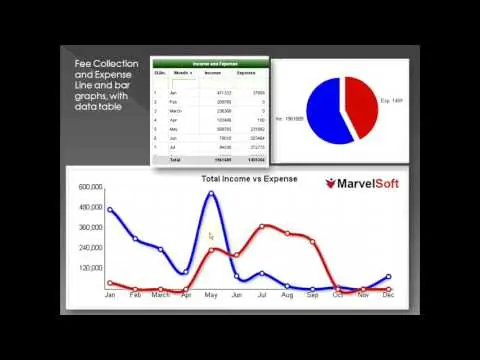 Play video: Fees and expenses in SchoolAdminCE
SMS, WhatsApp and chat usage is charged separately, and some Cloud additions such as the parents module (₹30 per student a year) are priced on their own. For a quote, email sales@marvelsoft.co.in or call +91 95350 41234.
Yes. This is built into the fee payment screen. Once a parent pays, SchoolAdminCE can send an SMS, an email, or both as confirmation.
SMS and email alerts are optional add-on services, and usage charges may apply. To switch them on, email support@marvelsoft.co.in or call +91 95350 41234.
Per-student plans, annual subscriptions or a lifetime licence? Seven checks that reveal the true cost of a school ERP before you sign.
How the Cash Master single-entry daybook tracks fee income, expenses, bank deposits and withdrawals, with opening and closing balances kept for you.
SchoolAdminCE is free for up to 50 students, with every module switched on. Install it, enter one class, collect one day of fees, and decide from there.