What to expect from school management software, and how to prepare before going live
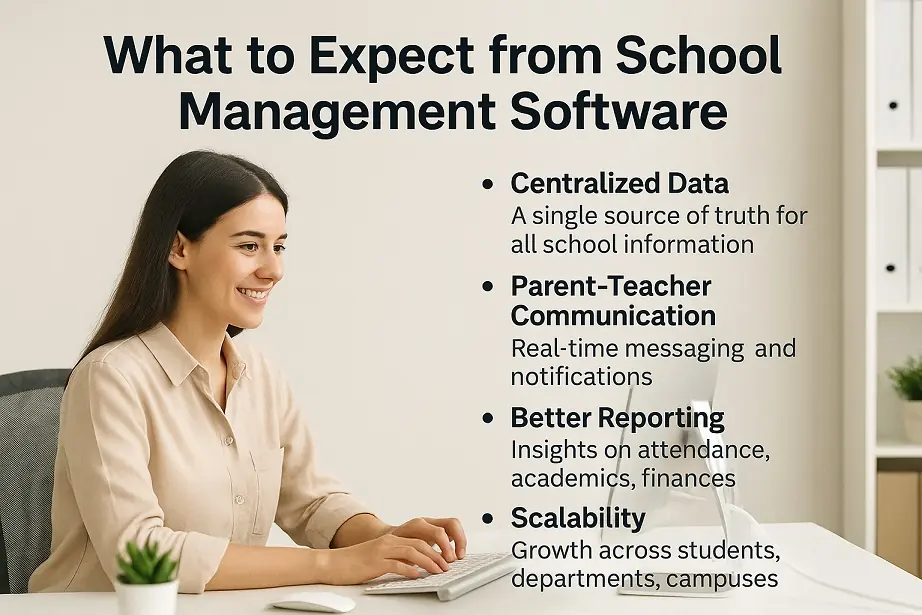
What a modern school ERP should deliver, what your school must prepare first, and whether to go live at once or run both systems in parallel.

Admit a student once and every other desk in the school works from the same record: the fee counter, the class teacher, the exam cell and the office that prints the transfer certificate years later.
From the first enquiry to the transfer certificate, one record follows the student.
Manage new and returning admissions with streamlined forms, class-wise enrolment tracking and document verification. Assign roll numbers, print admission reports and keep the full admission history.
Handle enquiries and registrations before the student is admitted, with a list of applicants you can follow up.
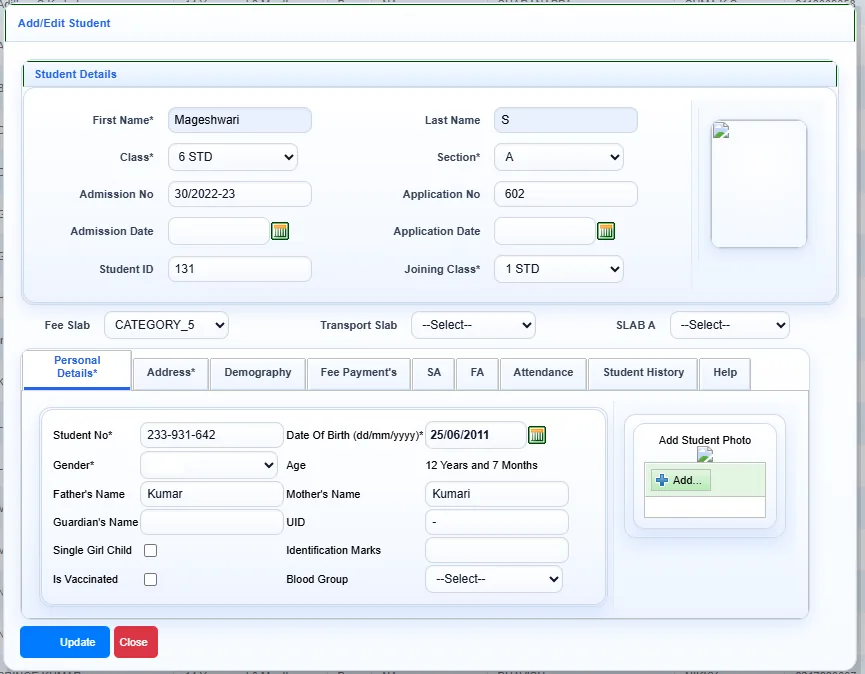
A compact student form with a fixed photo column, smart suggestions for city, state and country, and default values so repeat fields fill themselves.
Import your existing student list instead of entering students one by one.
Class lists, admission and re-admission counts and other student reports, exportable to Excel and PDF.
Take student, parent and teacher photos with a webcam and save them straight to the record.
Print student and employee ID cards in horizontal or vertical layouts, with placeholders such as mother’s name.
Keep separate TC formats for primary, middle and high school and print them from the student record.
Admission season is when a school office is under the most pressure. SchoolAdminCE keeps forms, class-wise enrolment, document verification and roll numbers in one place, so the count of admitted students is always current.
Schools moving from registers or spreadsheets do not have to retype anything. The student import brings your existing list in, and default values fill the fields that are the same for most students.
Free, Solo and Offline editions: every module on this page is included.
Cloud edition: Student information and student reports are in every Cloud plan, including Free. Student import, hall tickets, the webcam photo manager and barcodes need the Standard plan or above.
SchoolAdminCE supports a wide range of educational institutions:
If you run a school, a college and a training centre together, you can manage each one independently and also all of them together.
For help with setup or remote configuration, email support@marvelsoft.co.in or call +91 95350 41234.
What a modern school ERP should deliver, what your school must prepare first, and whether to go live at once or run both systems in parallel.
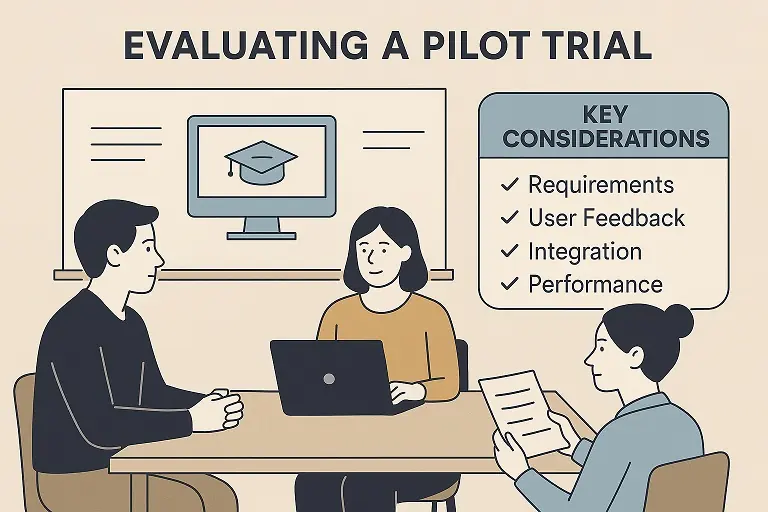
A four-step way to choose school software: define what you need, evaluate what matters, run a pilot with 50 students, then scale.
SchoolAdminCE is free for up to 50 students, with every module switched on. Install it, enter one class, collect one day of fees, and decide from there.