How to choose school management software: a practical guide for schools
Whether you’re launching a new school or managing a growing institution, choosing the right school management software is a strategic decision — one that impacts your admin efficiency, staff productivity, parent communication, and student outcomes.
At SchoolAdminCE, we offer a free trial for up to 50 students, making it easy to test the system risk-free. But before you begin any trial, here’s a clear, practical framework to guide your decision.
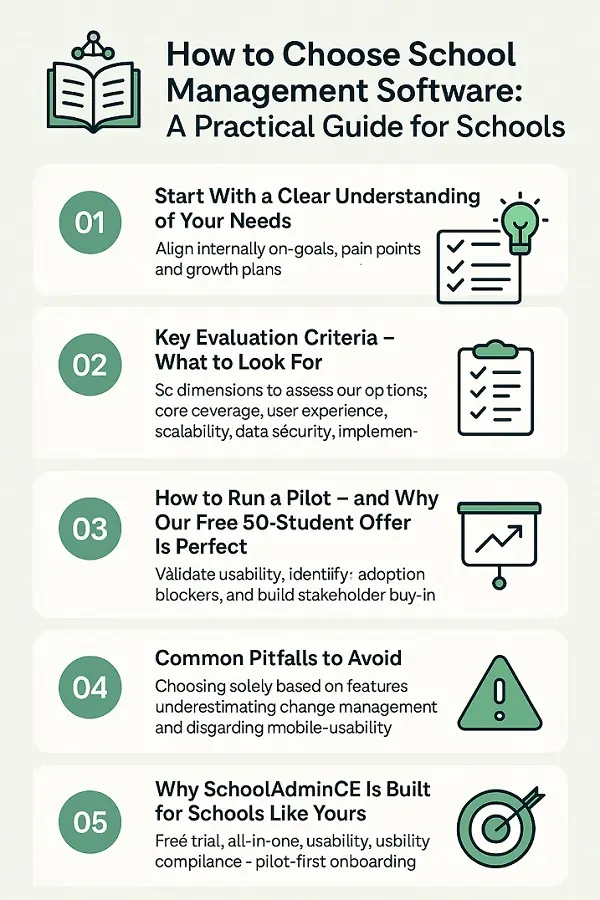
1. Know What You Really Need
Start by identifying your school’s actual pain points and priorities. Gather input from admin staff, teachers, and IT (if available). Ask:
- What’s slowing you down — manual attendance, fee billing, or reporting?
- What do you want to improve — faster parent updates, fewer spreadsheets, more visibility?
- What’s your growth plan — more grades, departments, or multiple campuses?
This clarity helps you evaluate software based on real-world fit, not just flashy features.
2. Focus on What Actually Matters
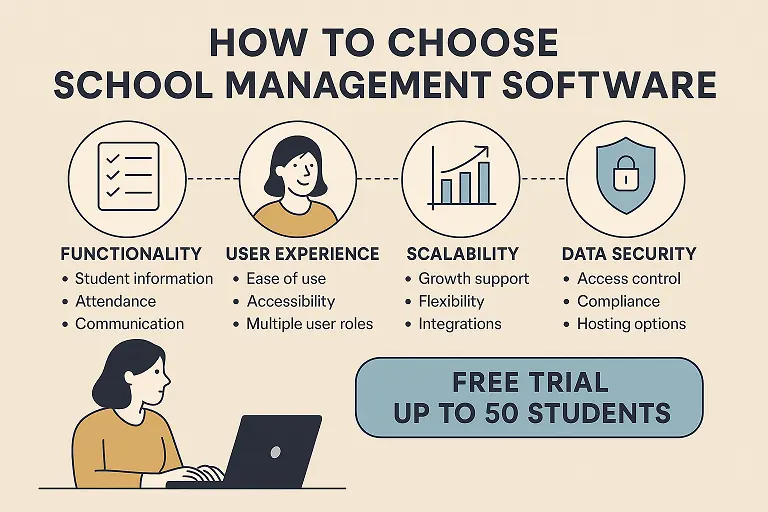
Here’s what to evaluate — grouped for simplicity:
Core Features
Look for essentials like:
- Student & guardian records
- Attendance, grading, reports
- Fee and payment tracking
- Communication tools (email, SMS, app/portal)
Usability
If teachers or parents struggle with the system, adoption will fail.
- Can teachers complete key tasks (like taking attendance) in under 2–3 steps?
- Is the parent portal/app simple and mobile-friendly?
- Are different user roles easy to manage?
Scalability & Flexibility
As you grow, your software should grow with you.
- Can it handle more students, grades, or branches?
- Does it offer modular pricing — so you only pay for what you need?
- Can it integrate with tools like accounting, LMS, or transport systems?
3. Run a Pilot – It’s Your Smartest Move
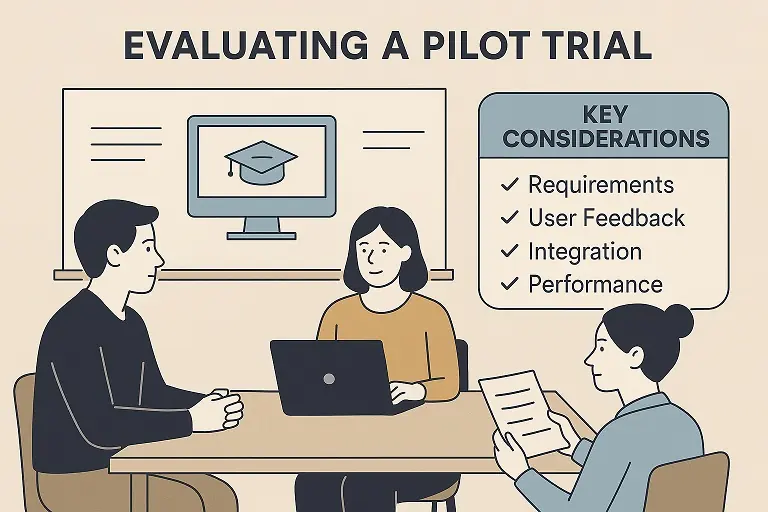
Never commit without testing. A pilot lets you evaluate real usability, workflows, and team feedback.
Here’s how:
- Choose one department or up to 50 students
- Define 2–3 success metrics (e.g., “attendance in <2 mins”)
- Involve real users — teachers, admin, even a few parents
- Run for 2–4 weeks, collect feedback, evaluate
SchoolAdminCE makes this easy with a free trial for up to 50 students — perfect for small schools or for large schools to test by department.
4. Common Pitfalls to Avoid
Here’s what trips up most schools:
- Picking based on long feature lists, not actual usage
- Ignoring mobile usability (especially for parents)
- Underestimating staff resistance to change
- Not testing migration from spreadsheets or legacy systems
- Getting stuck in a long contract without trying first
5. Why SchoolAdminCE Works for Schools Like Yours
We built SchoolAdminCE to serve both startups and growing schools:
- Free trial (up to 50 students) – test risk-free
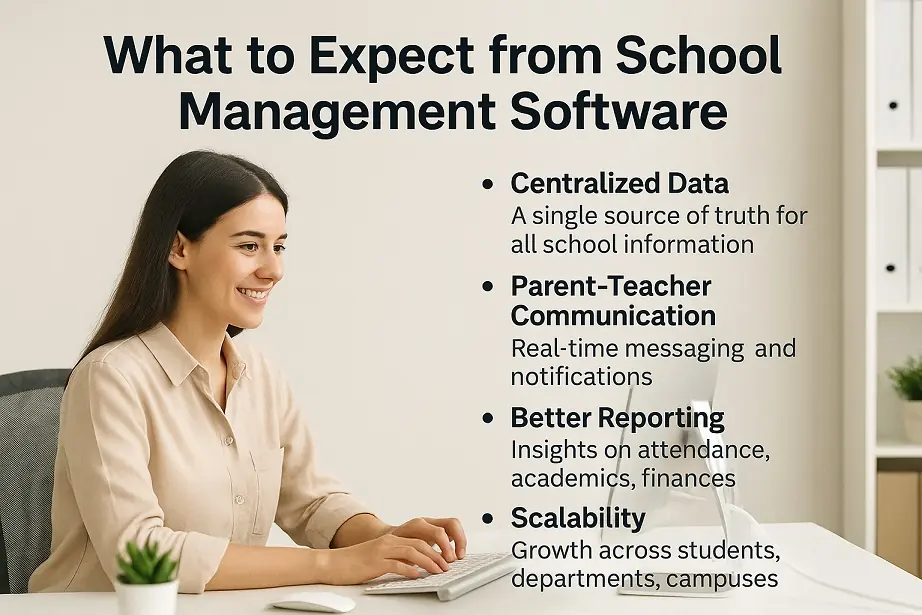
- All-in-one platform – admissions, billing, attendance, comms
- Easy to adopt – intuitive for staff and parents
- Scales as you grow – modular, multi-campus ready
- Helpful onboarding – training, migration support, fast setup
Ready to Try It?
Choosing the right software doesn’t have to be overwhelming. Use this simple process — define evaluate pilot scale — and make a confident, informed decision.
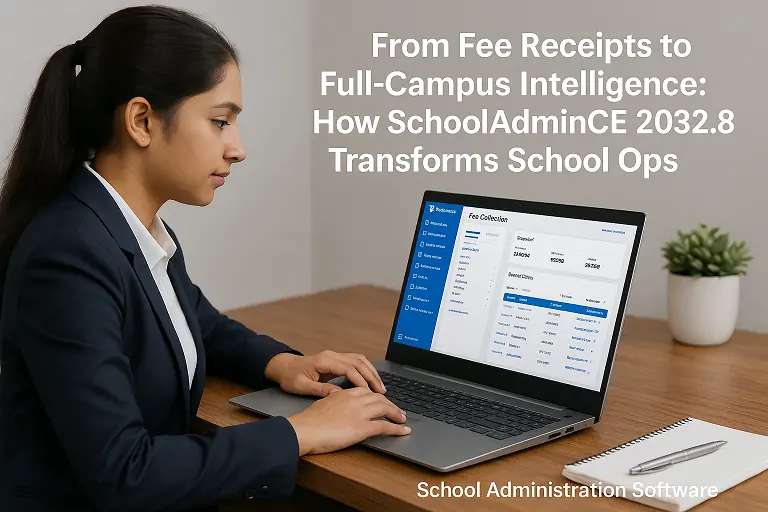
Ready to see SchoolAdminCE in action?
Contact us today
Book a demo
Launch your pilot within days
Let us help you build a smarter, more connected school — one department at a time.