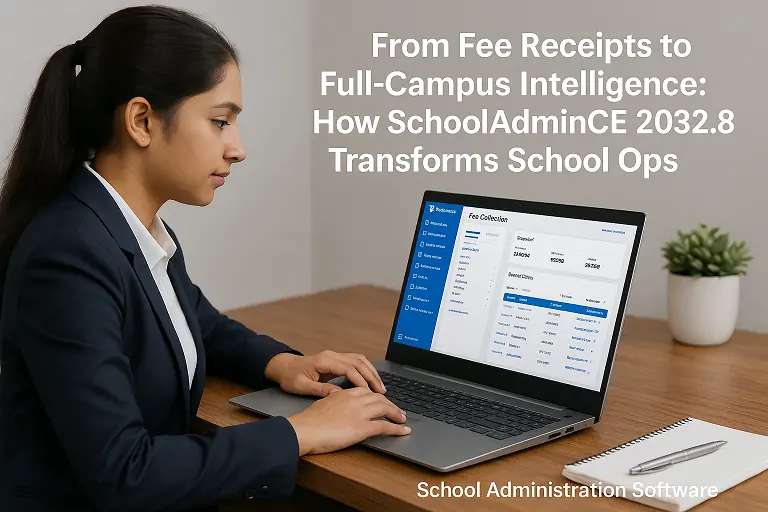
From fee receipts to full-campus intelligence: how SchoolAdminCE 2032.8 transforms school operations
Eight upgrades in SchoolAdminCE 2032.8, from faster databases and automated fee collection to biometric attendance and report cards.

The same system that manages students also manages the people who teach and look after them: their records, their attendance, their pay and what each of them is allowed to do in the software.
Staff records, attendance, payroll and logins from one staff list.
Staff records with alphanumeric employee IDs and a birthday reminder on the dashboard.
Import your staff list and print staff reports, including Excel exports with employee IDs.
Record staff attendance by hand or sync it from eSSL and ZK biometric devices.
Run payroll from the same staff records.
Print ID cards for staff from their records and photos.
Give each person a login and a role, so they see and change only what their job needs.
Several people work at the same time, each with their own login. Up to 200 simultaneous users are supported.
Each member of staff works under their own login with a role that fits their job, so the cashier sees fees and the class teacher sees marks. Up to 200 people can work at the same time.
Staff attendance from the biometric device and the staff list feed payroll, so salaries are not prepared from a separate spreadsheet.
Free, Solo and Offline editions: every module on this page is included.
Cloud edition: Staff information is in every Cloud plan, including Free. Staff reports, staff import, staff attendance, user roles and multiple users need the Standard plan or above. Staff payroll and biometric attendance need the Premium plan.
There are four editions. The modules are the same; what differs is where the software runs and how many people use it.
The pricing page compares them side by side. If you are unsure, write to support@marvelsoft.co.in and tell us your student strength and how many people will use the software.
Eight upgrades in SchoolAdminCE 2032.8, from faster databases and automated fee collection to biometric attendance and report cards.
SchoolAdminCE is free for up to 50 students, with every module switched on. Install it, enter one class, collect one day of fees, and decide from there.